
Every agency will tell you a new website will perform better. Fewer will tell you the most common way a redesign fails: the new site looks great, launches on time, and organic traffic drops because nobody planned what would happen to the old URLs.
Rankings belong to pages. Change a page’s address, content or links carelessly and you ask Google to re-evaluate it from scratch. Do it for a whole site at once and years of search equity can go with it. The good news is that it is almost entirely avoidable with a disciplined checklist.
When we rebuilt the Edge Growth website on WordPress in 2024, the URL redirect plan kept their page-one rankings across multiple keywords, with zero ranking loss on migration. Nothing about that was luck. It was the process below.
Before you design anything
1. Take a full URL inventory
You cannot protect what you have not listed. Build one spreadsheet of every URL the current site has, from several sources, because no single source is complete:
- A full crawl of the live site.
- Your XML sitemaps.
- Google Search Console’s Performance report (pages with clicks and impressions) and its indexing reports.
- Analytics landing pages over at least the last 12 months.
- Pages with external backlinks, from your backlink tool of choice.
Also note images, PDFs and other files that get search traffic or links. They are easy to forget and often carry more value than people expect.
2. Benchmark what you have
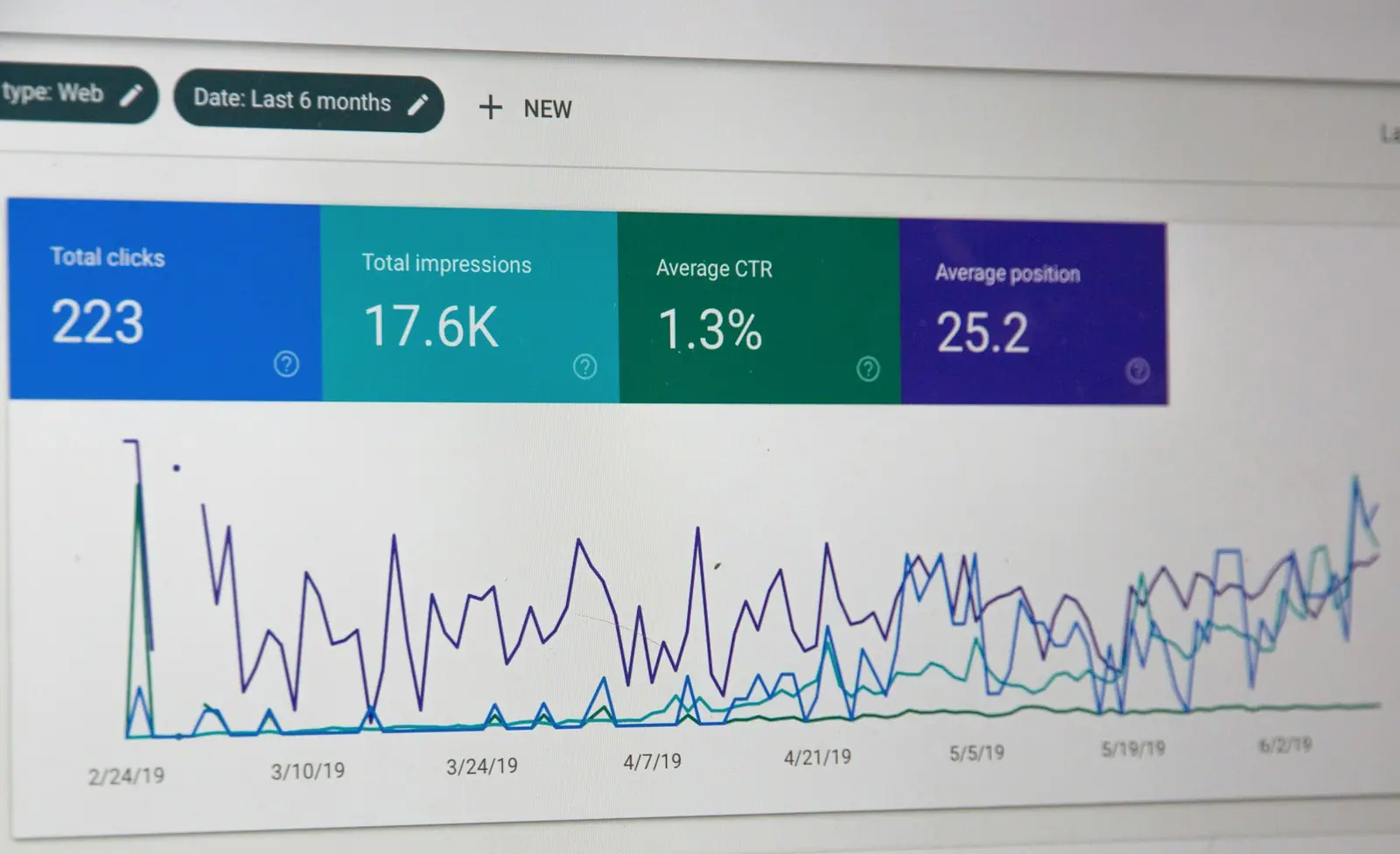
Record the baseline before anything changes: organic clicks and impressions by page, the keywords that matter to the business and where they rank, conversions from organic traffic, and Core Web Vitals. Export it. Without a baseline you cannot prove the migration worked, or spot quickly that it did not.
3. Rank your pages by value
Mark every URL as high, medium or low value based on traffic, rankings, conversions and backlinks. High-value pages get the most care: their content, headings and internal links should change as little as the new design allows, and any change should be deliberate.
During the build
4. Write the 301 redirect map
This is the single most important document in a migration. For every old URL that will not exist at the same address, record the new URL it should point to.
- Use permanent, server-side redirects. Google recommends server-side permanent redirects such as 301 or 308 where possible.
- Redirect like for like. Each old page should go to the most relevant new page, not to the home page. Mass redirects to the home page are treated much like the page disappearing.
- Avoid chains. If an old URL already redirects elsewhere, point it straight at the final destination. Google warns that long chains add latency, and a single hop is cleanest.
- Keep the URL where you can. The safest redirect is the one you never need. If a URL is clean and ranks well, keep it.
- Plan to keep redirects for a long time. Google’s guidance is to keep them in place generally for at least a year, and longer is better for users.
Pages you are genuinely retiring with no equivalent can return a 404 or 410. That is fine, as long as it is a decision rather than an accident.
5. Protect content parity
A redesign often brings a copy rewrite, and that is where rankings quietly slip. A page ranks because of what it says. If a service page that ranked with 900 detailed words becomes 150 words and a hero image, expect it to fall.
- Keep the substance of high-value pages: the topics, questions answered and specifics.
- Improve copy by all means, but add depth rather than removing it.
- Make sure important content is in the HTML as text, not locked in images, sliders or tabs that load late.
6. Carry over the metadata
Map title tags, meta descriptions, H1s, canonical tags, image alt text and structured data from old pages to new. Titles especially should not be regenerated from a template without review. If you change a high-value title, do it deliberately and note it so you can trace any movement later.
7. Rebuild internal links
Internal links tell Google which pages matter. New navigation, footers and templates change them completely. Check that:
- High-value pages are still linked from the main navigation or other strong pages.
- In-content links point to the new URLs directly, not through redirects.
- No important page has become an orphan with no internal links at all.
8. Keep staging out of Google
Staging sites leak into search results more often than anyone admits, and a duplicate copy of your new site in the index is the last thing you need. Protect staging with a password, which is the most reliable option. If you also use noindex, remember that a page blocked in robots.txt cannot have its noindex seen by Google, so the two do not combine the way people assume.
Then the part that catches teams out: remove every staging restriction at launch. A site that goes live carrying a sitewide noindex or a robots.txt "Disallow: /" can disappear from search quickly. Put it on the launch checklist in bold.
Launch day
9. Run launch QA
Work through this list on the live site within the first hour:
- robots.txt allows crawling, and no page carries an unintended noindex.
- Crawl the full list of old URLs and confirm each returns a single 301 to the correct new page.
- Canonical tags point to the live domain, not staging.
- HTTPS works everywhere, with no mixed-content warnings.
- Analytics, tag manager and conversion tracking fire on the new templates, including forms and thank-you pages.
- Structured data validates on key templates.
- Core pages load quickly on a phone.
10. Tell Google through Search Console
- Submit the new XML sitemap. Expect the old sitemap’s indexed count to fall and the new one’s to rise as Google processes the move.
- Use URL Inspection to request indexing of your most important pages.
- If you are changing domain, use the Change of Address tool. It is not needed for changes within the same domain, such as new paths or a move from HTTP to HTTPS.
After launch
11. Monitor closely, then patiently
Some movement is normal. Google says that for a medium-sized site it can take a few weeks or more for new URLs to replace old ones in results, and longer for large sites. What you want to catch early is movement that is not normal.
- Daily for the first two weeks: Search Console coverage and crawl errors, 404s from old URLs you missed, and organic conversions.
- Weekly for the first three months: rankings for your priority keywords against the baseline, and traffic to your high-value pages.
- Fix fast: any 404 that has traffic or links gets a redirect the same day.
Compare like with like. Seasonal businesses should compare against the same period last year as well as the weeks before launch.
Common ways migrations go wrong
- Redirecting everything to the home page.
- Launching with staging noindex or a blocking robots.txt still in place.
- Rewriting high-value pages into thin, design-led copy.
- Changing platform, URL structure, content and domain all at once, making problems impossible to trace.
- Forgetting tracking, so nobody can tell whether leads dropped.
- Deleting redirects a few months later during a "clean-up".
The Edge Growth approach, in short
For Edge Growth, a company that scales SMEs for impact, the brief was a WordPress rebuild with a better user experience, without putting their search visibility at risk. The work that protected it was not glamorous: a URL redirect plan that gave every ranking page a clear new home. The result was page-one rankings held across multiple keywords, and zero ranking loss on migration.
That is what a migration should feel like from the outside: nothing dramatic happens to your traffic, and the new site gets on with converting it better.
If you are planning a redesign, bring your SEO thinking in before the first wireframe, not the week before launch. Our web design & build team plans migrations as part of every rebuild, and our SEO team will benchmark and monitor rankings through the switch.
Sources
- Google Search Central — Site moves with URL changes
- Google Search Central — Block search indexing with noindex
Written by Liam Davies. Researched with AI assistance, reviewed and fact-checked by a person — how we use AI.